SEB manuals
User manuals, spare parts and repair
Find the manual for your SEB appliance from its model number, then its spare parts, common faults and repair tutorials.
Finding your SEB model number
It is the only thing you need. It is printed on a label stuck to the appliance itself, not on the box, not on the receipt.
Where can I find the model number?
Look for a label on the back of the appliance, under the lid, or inside the door frame. The number is labelled “model”, “type” or “ref”.
- Look for the label on the appliance
A plate stuck or engraved on it, never the box, never the receipt. It also carries the wattage and the serial number: neither is what we need.
- Copy the number exactly as printed
Copy it exactly as printed. With or without spaces, upper or lower case, the whole thing or just the start: our search copes with all of them.
- No readable label?
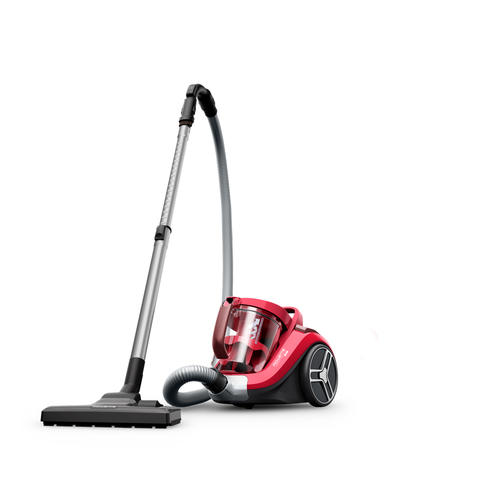
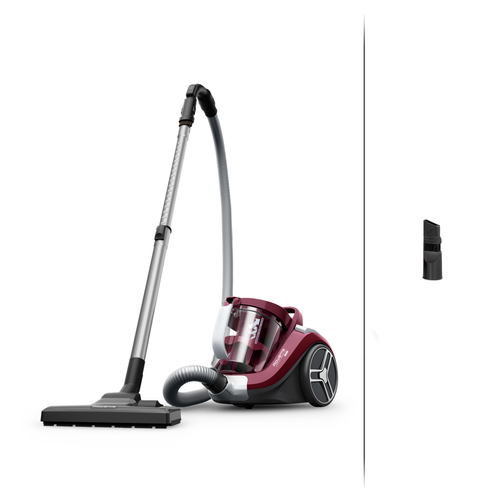
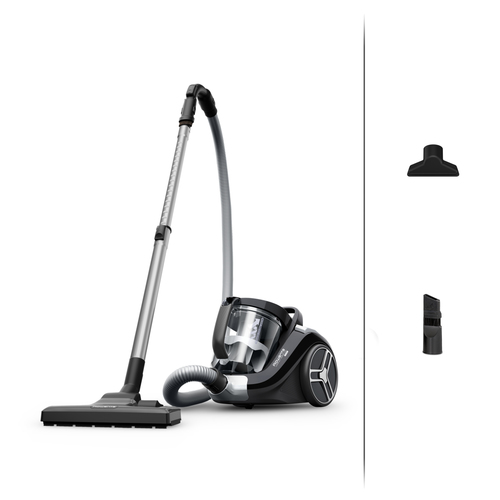
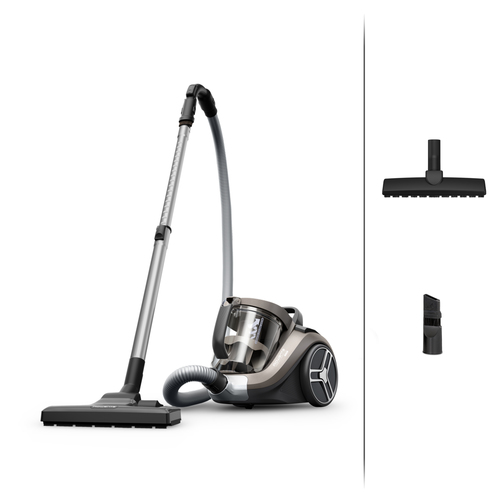
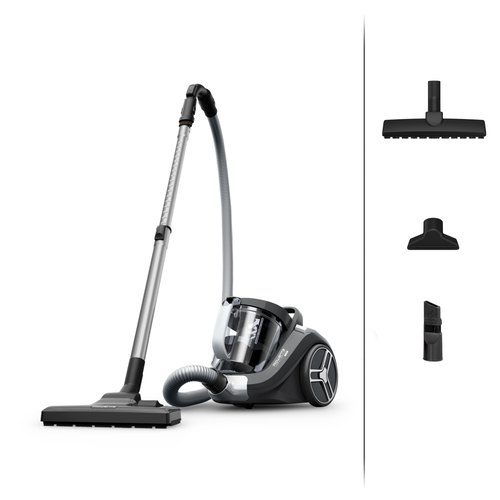
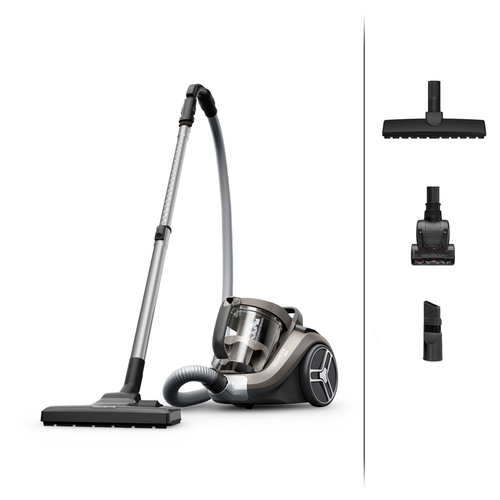
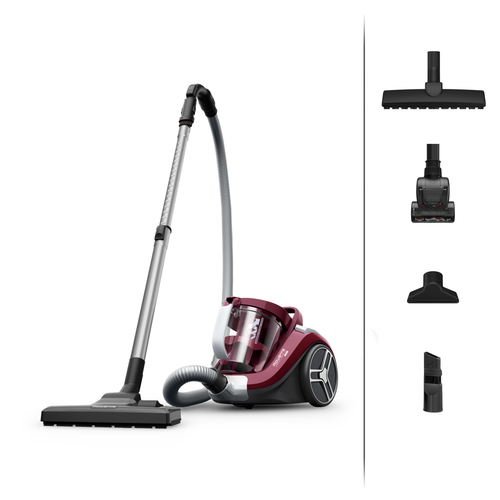
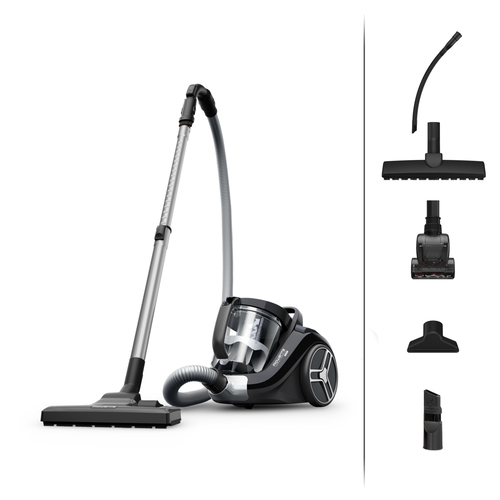
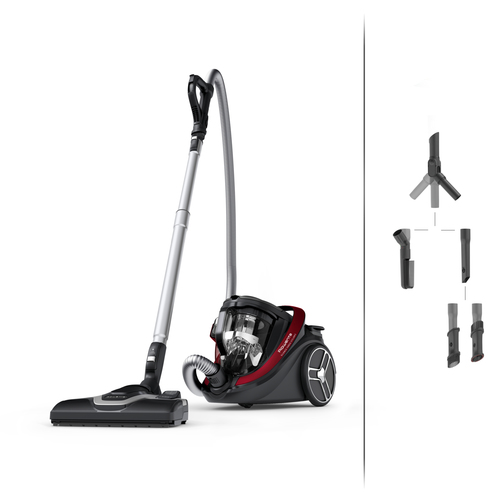
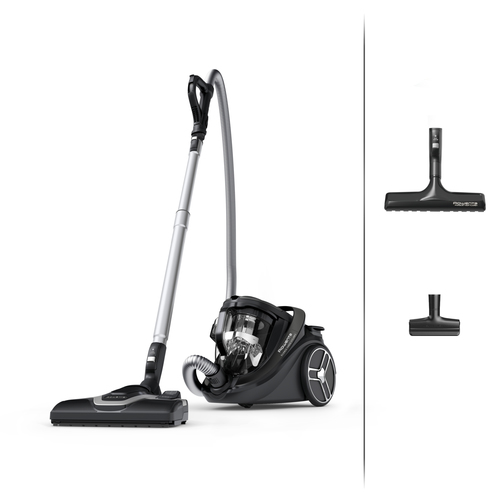
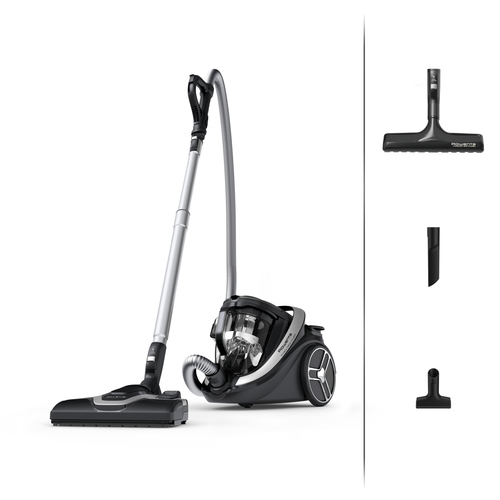
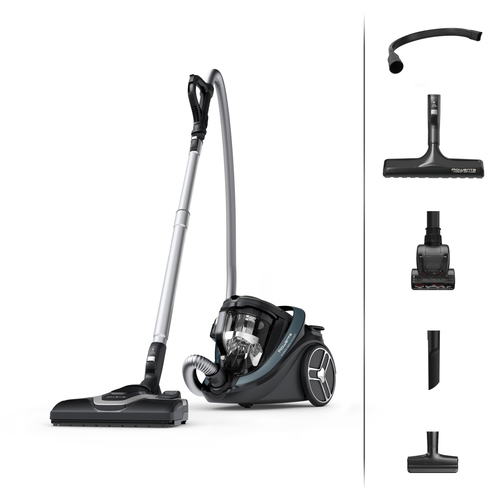
Cannot find the label? Search by brand and appliance type, then recognise yours from the photo.
The search box below only looks through SEB appliances.
SEB appliances by type
Pick the appliance type to narrow the list down to the models that matter.
All SEB appliances
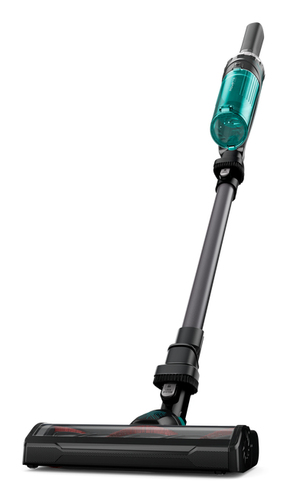
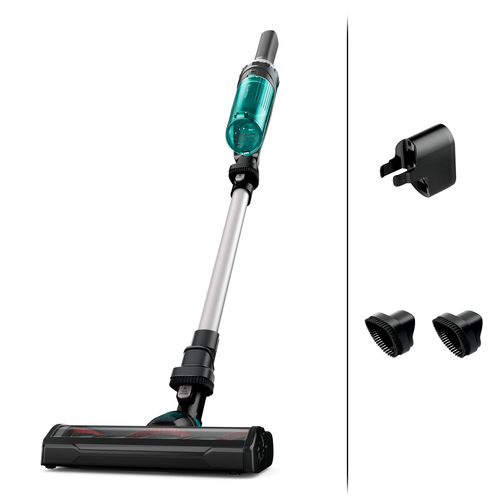
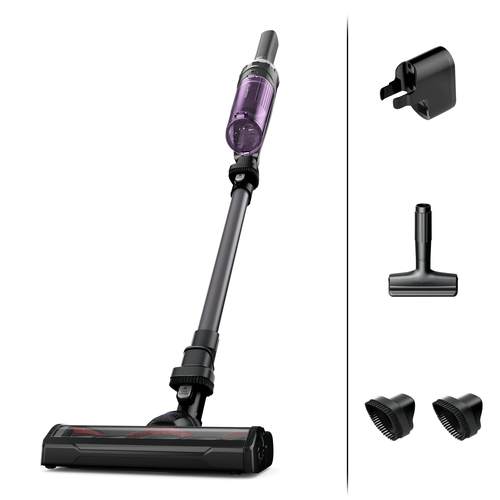
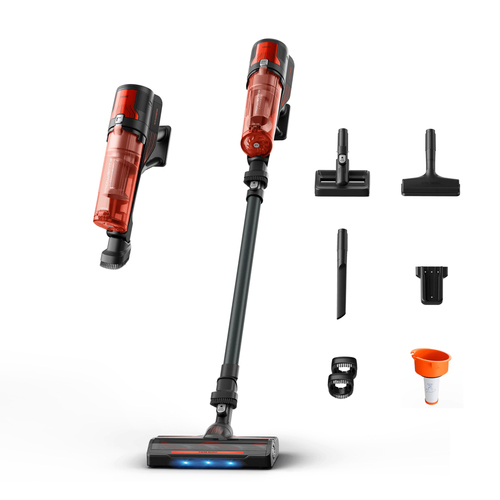
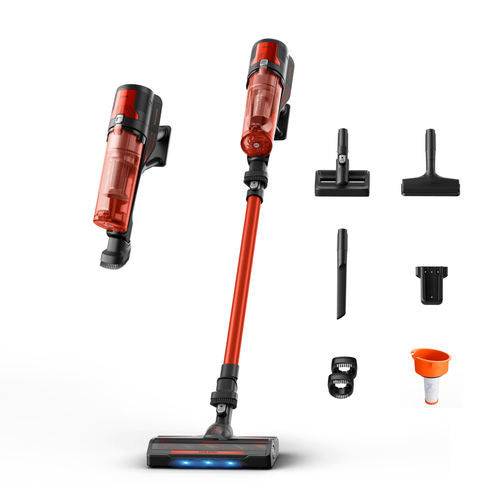
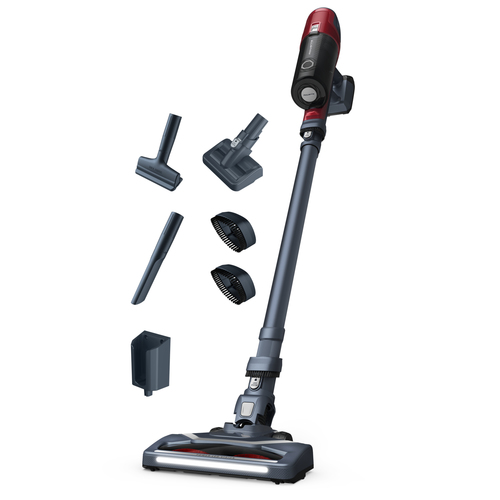
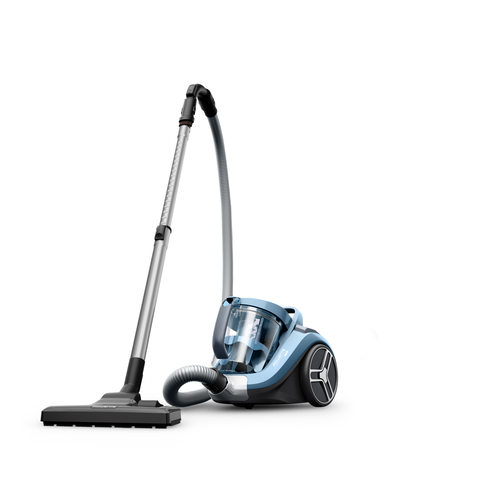

The most complete SEB pages
The ones with a manual, specifications and a repairability index. A good starting point if you do not know your model number yet.
SEB spare parts
1 SEB appliances have referenced parts, with a dated price and availability. Open your model’s page to see them.
Common faults on a SEB appliance
Diagnosis does not depend on the brand but on the appliance type. These links open the category guide.
- My vacuum cleaner won't start — what can I do?
- My vacuum cleaner is noisy — what can I do?
- My vacuum cleaner smells bad — what can I do?
- What does the error code on my vacuum cleaner mean?
- My food processor won't start — what should I check?
- Why does the bowl leak while running?
- Can I process hot food?
- The bowl and plastic accessories are stained (carrot, orange…)
Other brands